Locus 1.0
A spatial workspace with a sense of place.
Locus began with one simple idea: your workspace can feel somewhere else without losing the desk and tools you need.
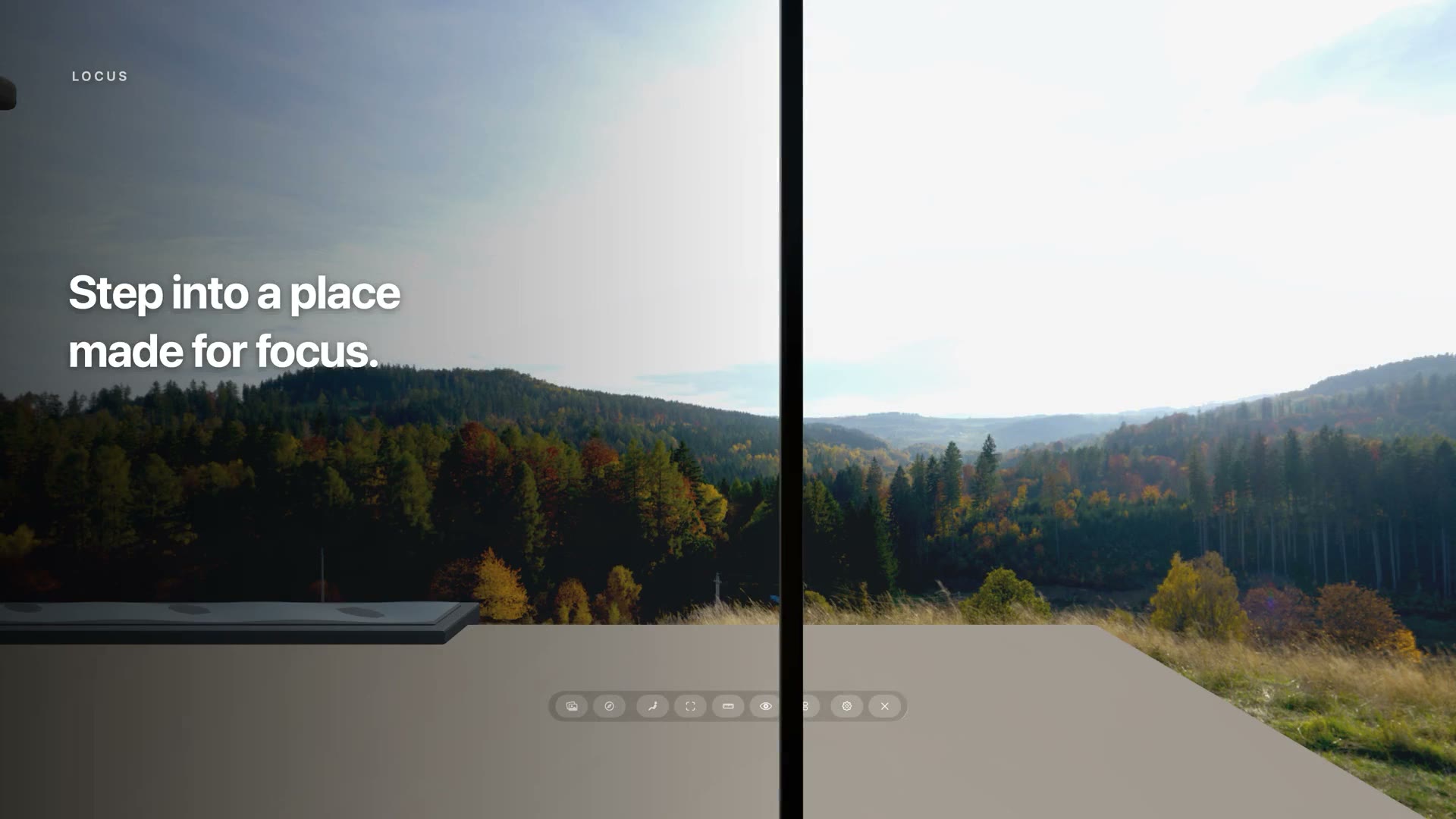
Choose the world outside and the space within.
A Place combines an immersive 360° View with a 3D Room. Change either one independently: keep the Room you like and move it beneath a new sky, or keep the View and try a different interior.
Enter a Virtual Space.
Virtual Space places you inside the full 3D Room, surrounded by your chosen View. Align the virtual desk with the real desk in front of you, so the workspace feels immersive without giving up the physical surface you use.
Or open a Room Portal.
Room Portal keeps your real room, furniture, people, and hands visible while opening a wall onto the View. It is a lighter way to change your surroundings while staying connected to the room around you.
Bring the web into the space.
Open multiple Locus Browser windows, keep related pages together in tabs, and arrange the tools you need around you. You can also import your own complete 360° panoramas and Room packages to make the Place personal.