Locus 1.4.2
Step anywhere in your Room.
Look at the floor and pinch to move there, keep the spot as a new seat if you like, and switch Views in the same Room with a smoother transition.
Available now for Apple Vision Pro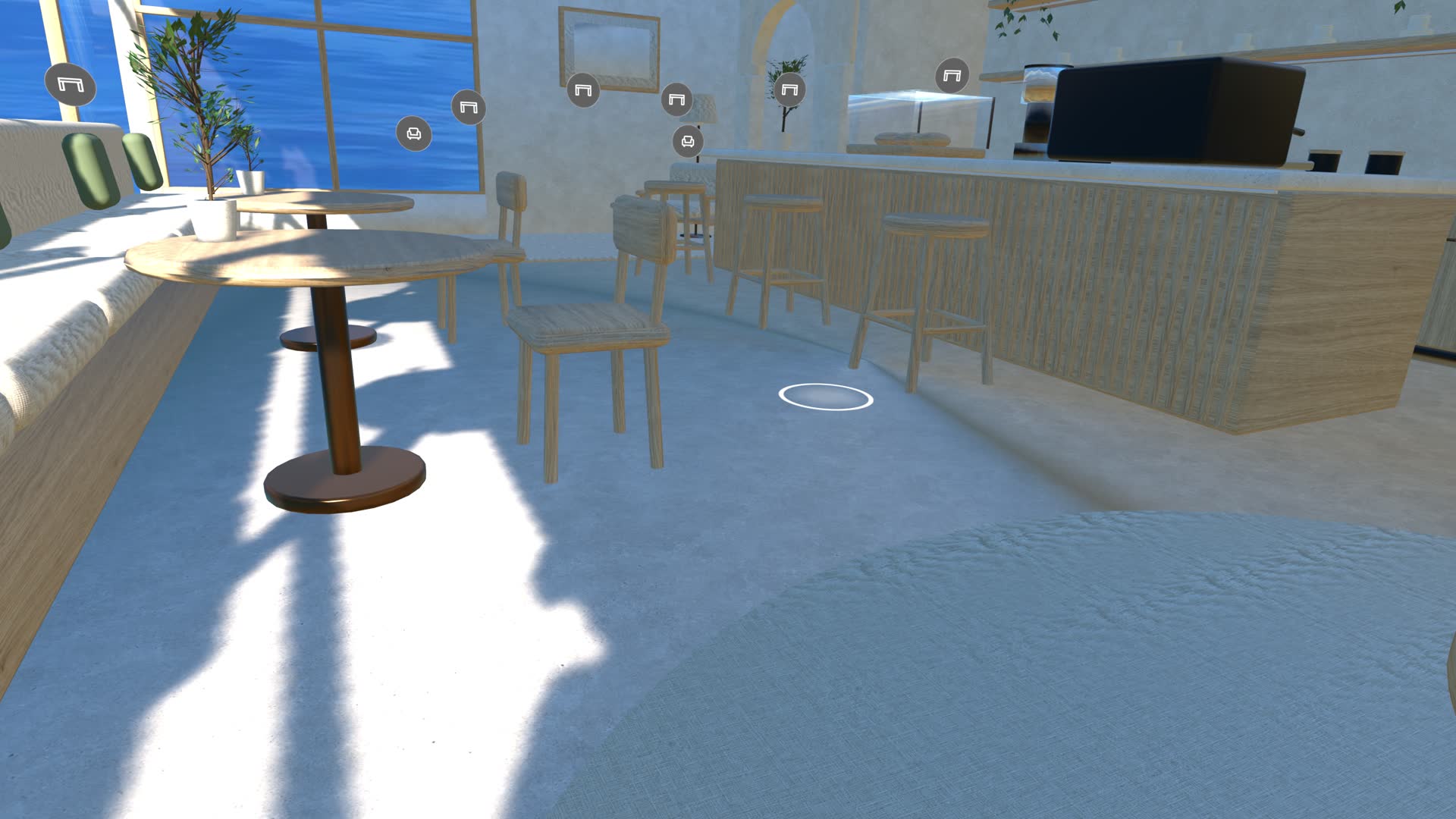
Look at the floor to move
In Virtual Space, open Seats, look at a spot on the floor and pinch. You move there right away, and a ring on the floor shows where you are looking. Keep looking and pinching to walk around the Room.
The new spot is temporary: Back to Seat takes you back to where you came from, and choosing another seat or leaving the Room drops it. While you are there, Temporary Spot appears at the top of Seats.
To keep it, use Save as a New Seat in the Move controls and give it a name. It joins the Room’s seat list like any other seat. You can also add a Move button to the bar from Customize Bar, and raise Height to step onto a roof or open terrace you can see from above.
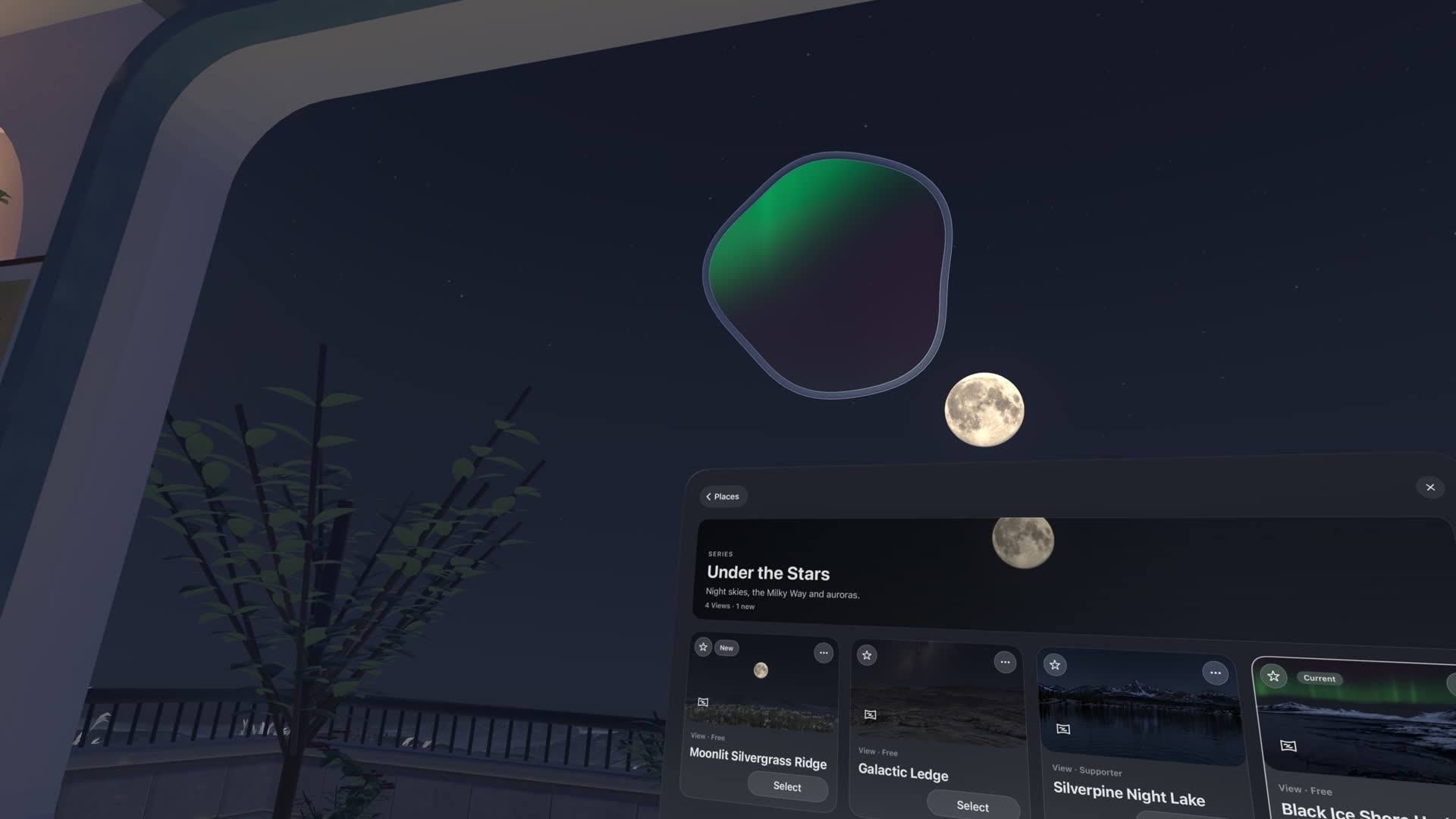
Smoother View changes
Switching to another View in the same Room now has a smoother transition. Choose a View in Places and it opens in the sky where you are looking, then fills the sky around you.
Also in this update
Places details now always show a Place’s current download and In Use state. Locus keeps up to six Real Objects enabled at once; downloaded or imported objects beyond that stay on your device. This update also improves reliability.
Locus 1.4.2 is available on the App Store.