Case study · November 16, 2026
Tropical Shallow Bay: turning a lagoon View into day and night.
Start from one sun-free 12K tropical bay panorama with realtime shallow water, then add a 24-hour sun path, stars, warm golden hour, preserved cumulus clouds, and crisp sunset occlusion behind distant islets—with zero paid image API calls.
Needs Locus 1.5.1 or later for realtime water + day/night · Two-mask cloud technique works in Locus 1.4.9+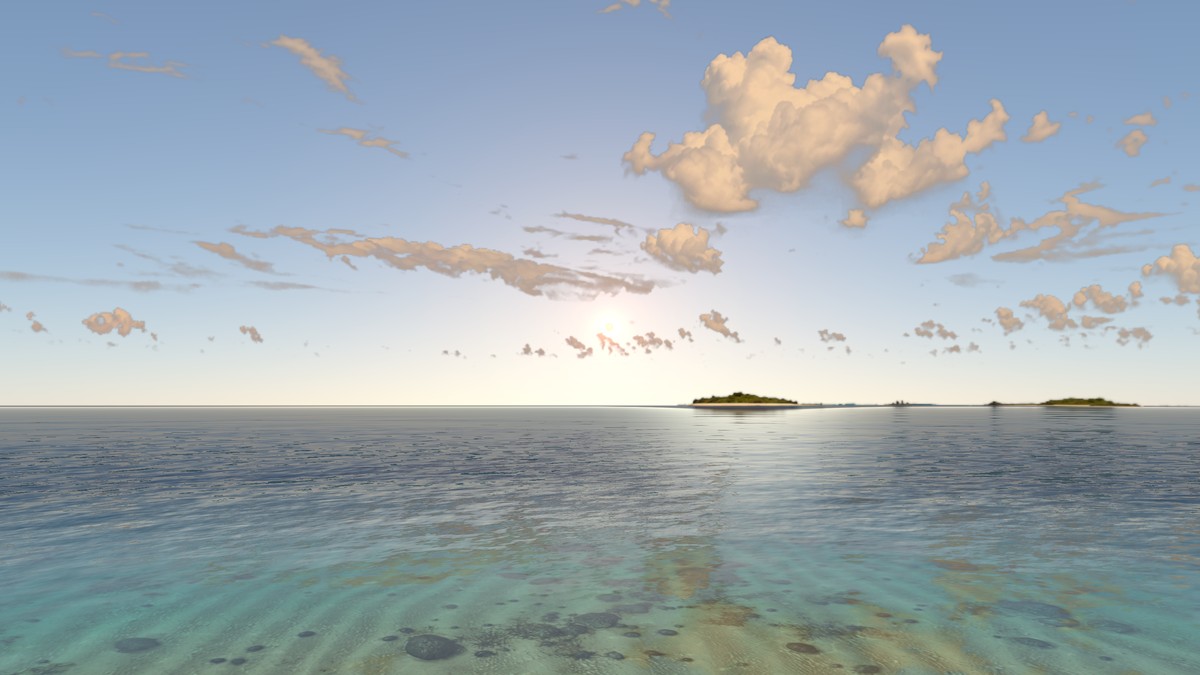
1 · Baseline
Start from the sun-free realtime-water lagoon
Tropical Shallow Bay already ships with a 12288×6144 panorama, ASTC GPU sidecars, seabed bathymetry, contact-calibrated shoreline proxy geometry, and surf audio—and its original daytime sky has no painted sun.
Convert Tropical Shallow Bay to a 24-hour day-and-night View without paying for new panorama generations: reuse every base texture byte-for-byte, add clear daylight sky, stars, Milky Way, and sunset/night grading alongside its realtime lagoon water.
Because the existing base image, water masks, and contact proxy remain unchanged, upgrading the View needs no new image generation. In Locus 1.5.1 and later, root water and water.contactCalibration pair directly with environment.sunPath (configuring daySky, panoramaGrade, and light) using capability locus.view.water.day-night.v1 inside the destination.json manifest.
2 · Sky mask
Preserve painted clouds instead of erasing the whole sky
Our first test replaced the entire upper hemisphere with procedural daySky by filling the whole sky region of sky.mask with white. On Apple Vision Pro, the day/night transition worked cleanly, but all of the tropical cumulus clouds vanished—leaving an unnaturally empty horizon.
The transition feels great, but all of the original clouds disappeared. Keep the painted clouds from the base panorama, let stars shine between them at night, and avoid dark rims around the cloud edges.
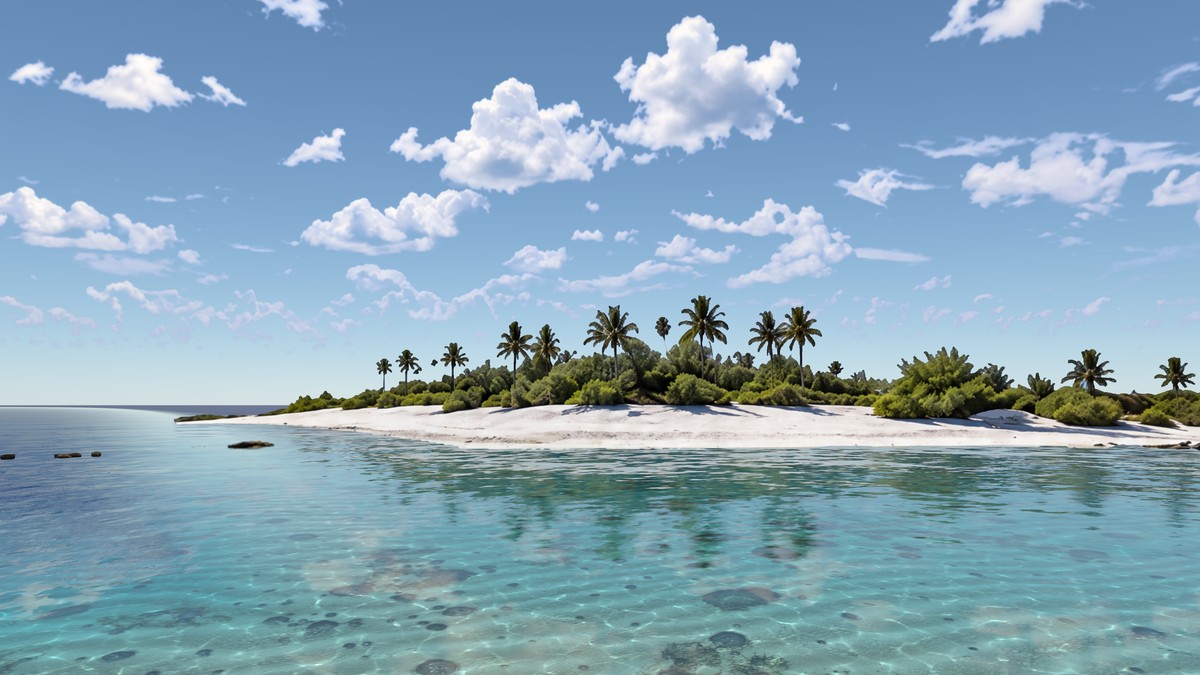
- Admit procedural sky only in open blue gaps: measure how blue and clear each source sky pixel is rather than cutting a hard brightness threshold, pass it through a conservative ramp (
smoothstep(0.36, 0.90) ** 1.15), and add gentle 0.35 px Gaussian feathering on a 4096×2048 mask. White pixels (255) show procedural sky by day and stars/Milky Way by night; black pixels (0) keep the painted clouds intact along with their reflections on the water. - Taper horizon haze and wrap cleanly: keep dense bright cumulus cores and low horizon mist black (0) inside
sky.maskso the procedural sky never fights bright cloud highlights or creates dark purple cutout rims around wispy tails, then blur with circular horizontal wrapping so the ±180° seam disappears. - Cast contact-sphere rays when calibrating masks: when a View enables
water.contactCalibrationwith a non-zeroreferenceSkyCenterMetersoffset (for example eye height +1.3 m inside an 80 m source sphere), reproject panorama pixels from that eye origin into unit direction(yaw, elevation)before writing the calibratedsky.maskso it aligns with the shader’s sky lookup.
3 · Solar transmittance
Make the sun fade naturally behind thicker clouds
Sharing a single binary mask between sky.mask and environment.sunPath.disc.skyMask would make every white cloud pixel block 100% of sunlight—looking like cardboard cutouts when the sun passes behind thin cumulus edges. Split the two masks instead.
The sun should appear dimly through clouds depending on how thick the cloud is—barely diffusing behind dense cumulus cores while shining softly through thin wisps.
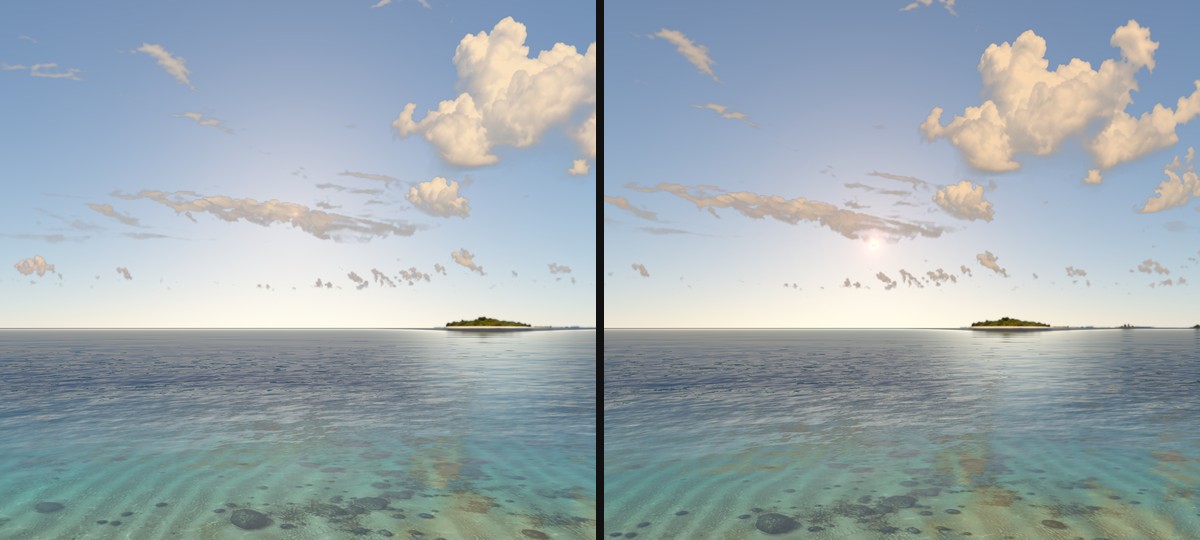
Both the solar disc and solar glare multiply continuously by the grayscale value of disc.skyMask. Converting estimated cloud optical depth into exponential transmittance (exp(-2.5 * optical ** 1.2)) writes 255 in open sky, 115–215 across thin edges, 20–50 behind dense cloud centers, and 0 on solid land and sea. This two-mask technique relies on sky.mask (1.2.4+), disc.skyMask (1.3.0+), plus daySky and panoramaGrade (1.4.9+), so non-water Views can use it on Locus 1.4.9+ as well.
4 · Horizon geometry
Stop sunset sunlight from bleeding through distant islands
During sunset tests on the headset, low sun glare still glowed faintly through a dark silhouette island on the horizon. Two separate issues caused that artifact:
At sunset, the sun seems to leak right through the small island on the horizon. Check whether the disc mask or parallax is off, and fix the bleed-through.
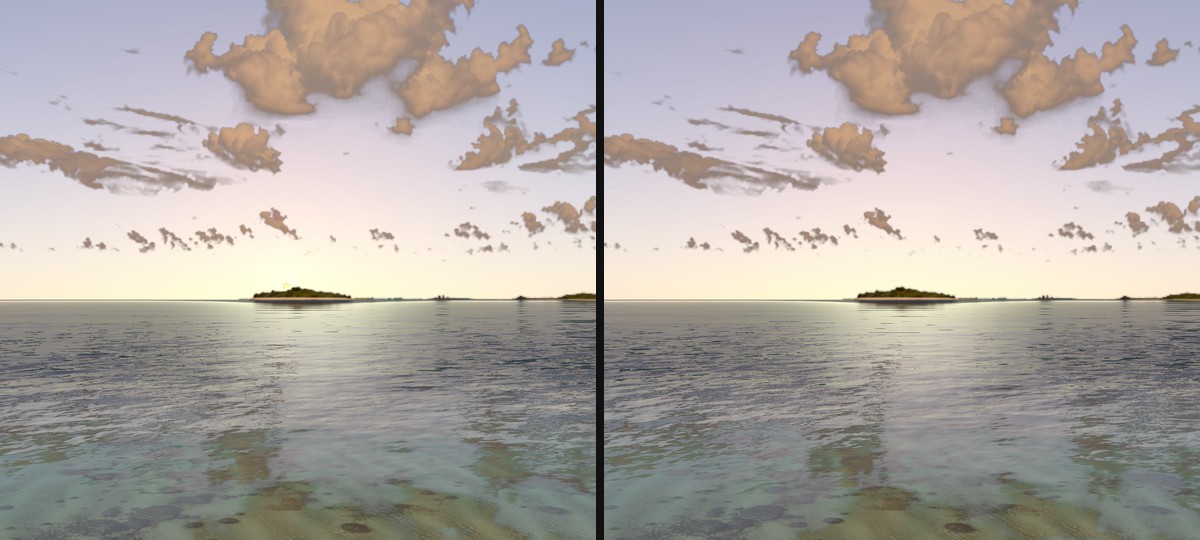
- Align solar disc origin with eye parallax: centering the sun disc at world origin (0, 0, 0) while placing the contact-calibrated eye at (0, +1.3, 0) inside a finite sphere pulled the apparent sunset trajectory ~0.62° too low. Applying
referenceOriginas the disc’s origin offset and expanding the celestial radius toward the inner sky sphere restored exact horizon alignment. - Occlude glare per fragment, not only at sun center: previously, sampling
SkyMasksolely atSunDirectionlet the wide glare core bleed across dark island foliage whenever the sun’s center sat slightly above the ridge. SamplingFragMaskalong each fragment’s view ray and multiplying by a crispFragSilhouettegate completely blocks glare bleed while keeping a subtle 2.5 px ridge feather insun-sky-mask.pngalong horizon edges.
5 · Color grading
Deepen golden hour warmth and keep night clouds dark
Yes—sun color temperature in sunPath shifts automatically with solar elevation, from crisp neutral white at noon toward orange-amber near the horizon. In our first revision, two things flattened that warmth: the glare shader fixed-blended 60% toward pure white at every elevation, and the low-angle curves in light and panoramaGrade were calibrated too neutral.
Make sure sun color temperature responds naturally as it drops—golden hour should look noticeably warmer on the water, cloud undersides, and Room floor, while night clouds should stay calm and dark around the Milky Way.
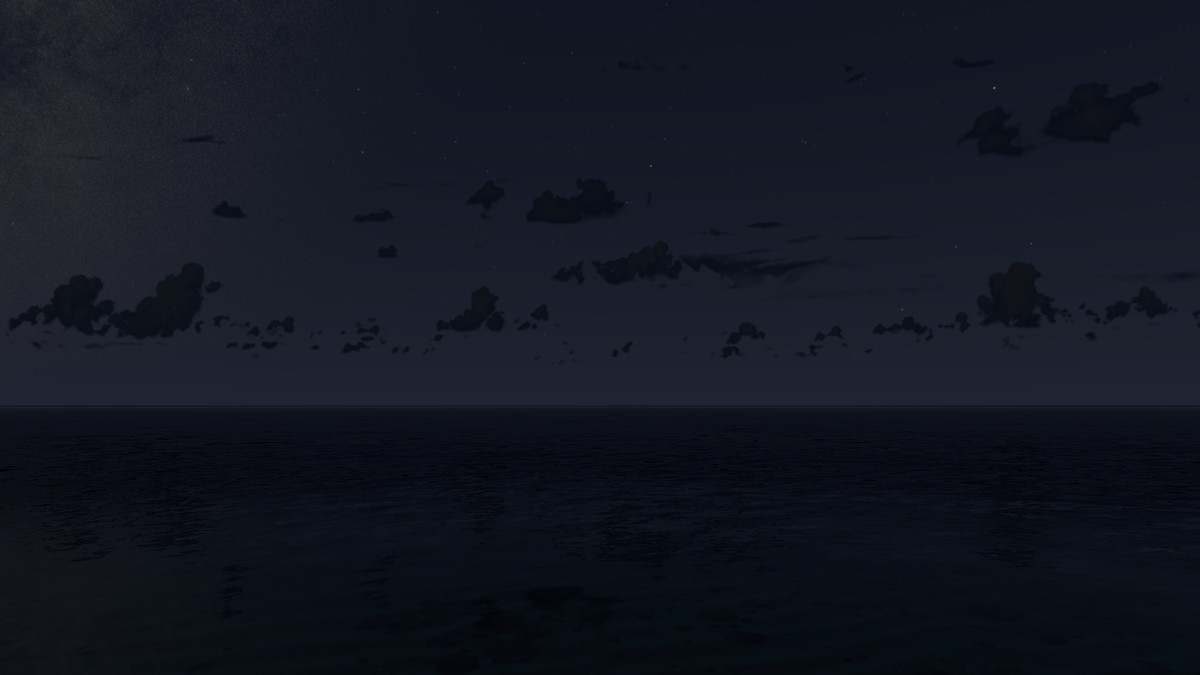
- Elevation-responsive glare tint: Locus 1.5.1 uses dynamic white mixing on dynamic day/night Views—only 18% white mix below 2° elevation, transitioning smoothly to 60% above 22° so low sunbeams keep their amber saturation.
- Lower noon peak & warm 0°–8° stops: capping
maxElevationDegreesat 32° and authoring warm amber curves ([0.56, 0.35, 0.22] at 0° and [0.88, 0.58, 0.36] at 4° inpanoramaGradeandlight.stops) bathes the clouds, sea glitter, and Room interior in rich golden hour light. - Cool, low night curves: keeping the -12° and -18° stops low and cool ([0.0055, 0.0075, 0.0125]) in
panoramaGradeturns preserved cumulus clouds into calm dark silhouettes against starlight and the Milky Way rather than hazy grey patches. - Check bright cloud tops before shipping: because sunlit white cumulus peaks are untouched in the daytime panorama, inspect the findings from
tools/sun_free_sky_check.pypixel-by-pixel to confirm zero painted sun exists before settingsunFreeSky: truein the manifest.
6 · Files
Download Tropical Shallow Bay or adapt the pattern
Tropical Shallow Bay is published as a free example Package v2 archive under the Locus Example License. You can also browse every revision and metadata card in the Gallery.