Locus 1.1.4
Your place comes back, and now it has a sound.
Locus reopens where you left off, Views and Rooms bring their own ambience, and a new immersion dial keeps every window in front of the Room.
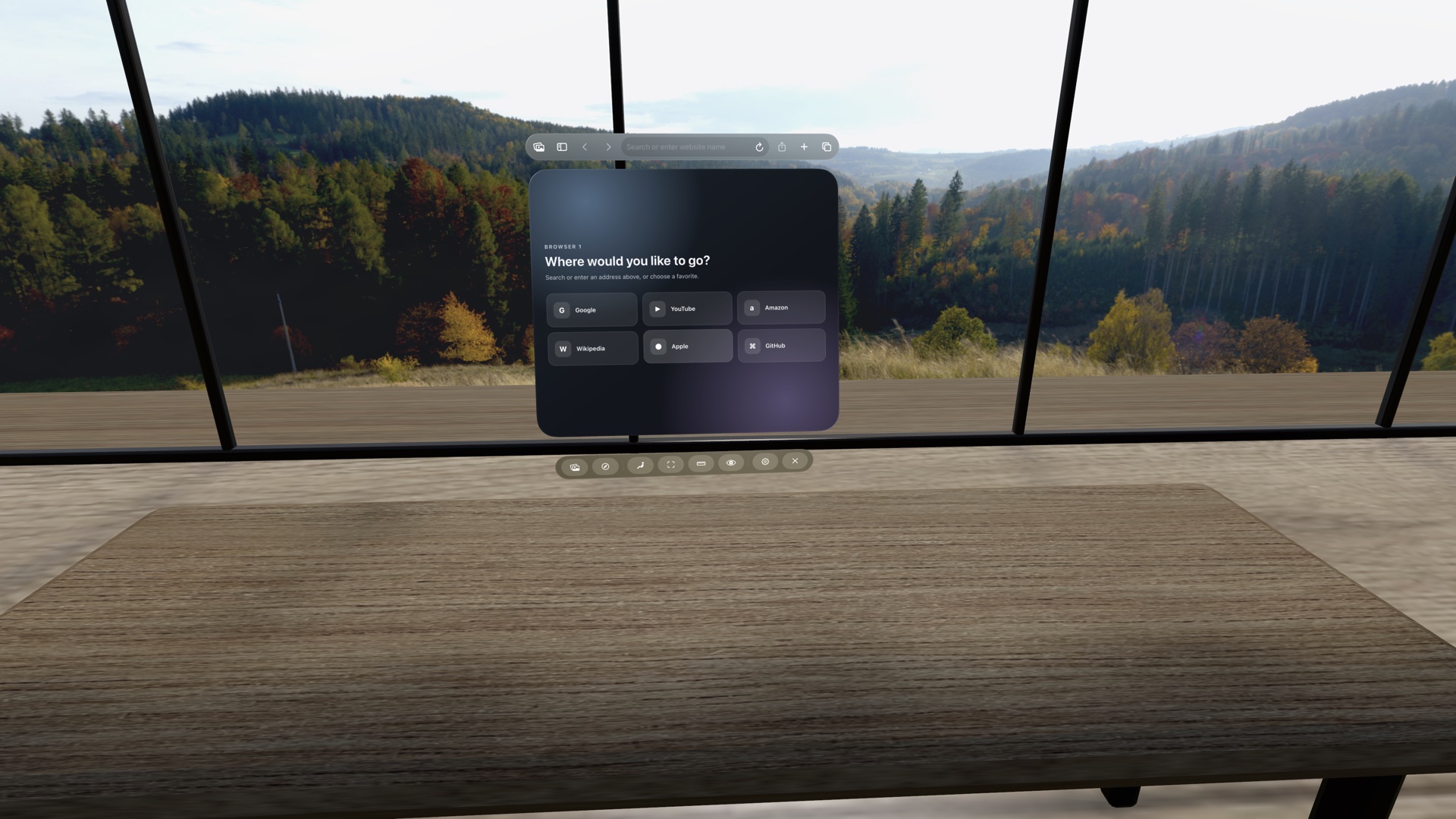
It opens where you left off.
Locus now opens straight into your place. The View and Room you were in come back around you first, and the controls arrive after, so a restart no longer begins in an empty room. New visitors start in Atrium Loft.
Places can have their own sound.
A View or a Room can carry its own ambience, and each has its own switch and volume in Quick Settings, so you can keep the scenery and lower the sound, or the other way round. Places can narrow to the Views and Rooms that come with sound.
Seven Library Views now place their sound in the scene: waterfalls you can locate, birds that call from the trees, water along the shore. Update Emerald Grotto, Desert Canyon Oasis, Giant Waterfall Valley, Lakeside Sunrise, Shadowed Forest, Snowbound Forest Paths, or Bioluminescent Mangrove Lagoon from Places to hear them. These revisions need Locus 1.1.4.
Try the immersion dial.
The immersion dial lets the Digital Crown bring your real surroundings back in without leaving the place, the way Apple’s own Environments do. It is experimental in 1.1.4 and off until you turn it on:
- Open Settings and turn on Immersion dial.
- In Virtual Space, turn on Immersion in the toolbar.
- Turn the Digital Crown to let your surroundings in. Turn Immersion off to close the place fully again.
An unexpected benefit: windows stay in front.
While building the next update, we tested the dial on Apple Vision Pro and found it does more than dim the scene. With the dial on, visionOS draws every window in front of the Room: your Mac Virtual Display, Locus Browser, Places, and their move bars. A plant, a wall, or the edge of a desk can no longer cover a screen you are working in. Apple describes this as how windows behave in progressive immersion.
If a Room has ever gotten between you and your Mac, turn the dial on and leave it on.
What to expect with the dial on.
These were measured on a physical Apple Vision Pro:
- Your physical keyboard appears only while you type, then fades.
- Show desk and Show Room leave the toolbar; the Digital Crown does their job.
- A seat can go dark for a moment the first time its desk is measured.
- The dial applies to Virtual Space. Room Portal keeps your real room as it always has.
- Locus’s own fade when you leave your seat does not run with the dial on. visionOS still shows its boundary as you move farther, but standing up at your desk does not trigger it.
In 1.1.4, furniture near a window can still turn see-through with the dial on, and the Summon Toolbar button can appear when it is not needed. Both are fixed in the next update, where the dial also leaves Experimental and sits in the toolbar without a trip to Settings.
Always a way back to the controls.
A Menu button now appears whenever the toolbar is closed or something solid stands in front of it. Drag it where you want it, or put it back from Settings.
Places that keep themselves current.
Places tells you when an installed View or Room has an update and installs it in place, including the one you are in. Ordering and favorites are now separate controls, so favorites can stay first in any order, and Quick Settings groups fold away. About now says which parts of a View were made with AI, component by component.
For authors: your places can carry sound.
A Room or View ZIP can now include a sound.json and its audio files. Sounds can loop, sit at a fixed point in the View or the Room, or play at random from a set of positions. The format reference covers every field and limit, and the public validator checks them before you import.