Locus 1.1.5
Sit where you like.
Rooms gain sofa and lounge seats, the desk can step out of the way, and any seat can move to exactly where you want it. The immersion dial leaves Experimental, so your windows can always stay in front.
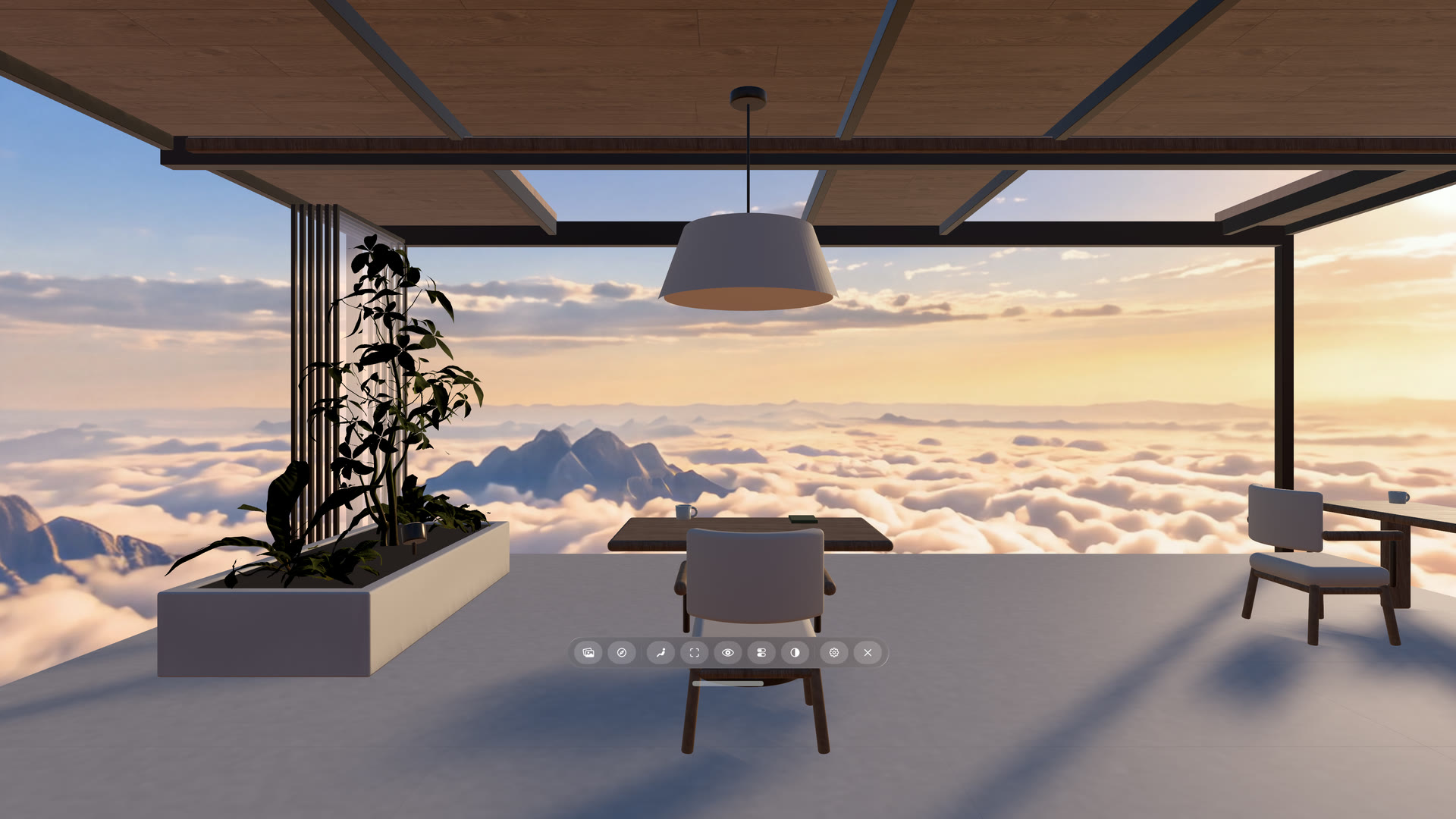
A seat away from the desk.
Plenty of time with Vision Pro is not spent at a desk. Rooms now have sofa and lounge seats alongside their desks: Atrium Loft and Horizon Atelier each have a three-seat sofa, and six Rooms in the Library gain sofas, benches and side chairs. A lounge seat puts you at sofa height and skips desk measuring entirely.
The seat list shows which is which before you move: seats built around a desk carry a small desk icon, and lounge seats do not.
Hide the desk.
At a desk seat, Hide Desk clears the virtual desk and everything on it, so the View opens up in front of you. It is a tile under Controls in the toolbar and a switch at the top of Quick Settings, and it stays hidden for the rest of your visit, across seats, Rooms and Views. If you would rather never see it, turn on Hide desk by default in Settings.
Hiding the desk does not stop Locus from lining the seat up with your real desk, so you can keep your real keyboard and mouse where you expect them with nothing virtual in the way.
Put your seat exactly where you want it.
The new Seat tab in Quick Settings moves and turns the seat you are in. Turn on Use Custom Position, then step forward, back, sideways, up or down, or turn, in steps of 1 cm, 5 cm or 25 cm. Moves follow the direction you are facing. Choose Save for This Seat and that seat opens there next time.
You can move anywhere within the Room’s own footprint and up to six metres high — through the roof, if the view is better up there. Desk measuring pauses while a custom position is on, and turning it off puts the seat back where it was authored.
The immersion dial is out of Experimental.
With the dial on, visionOS draws every window in front of the Room: your Mac Virtual Display, Locus Browser, Places and their move bars. A plant, a wall or the edge of a desk can no longer cover a screen you are working in, and the Digital Crown dials your real surroundings back in. The dial button now sits in the Virtual Space toolbar, with no trip to Settings.
The dial stays off until you turn it on. As measured on Apple Vision Pro, with it on your physical keyboard appears only while you type, and Show desk and Show Room leave the toolbar because the Digital Crown does their job.
A solid Room around your windows.
With the dial off, Rooms now stay solid, and window controls stay readable against any View. If you preferred furniture near a window turning see-through, choose Room makes way in Settings.
Smaller things.
Quick Settings reopens on the tab you used last. The Menu button now also appears when the toolbar has sunk below the floor, so a window dragged too low can always be called back.
For authors: lounge seats and hideable desks.
A Room can now declare seats with no desk: leave a sofa or bench out of deskEntitiesByTeleportID and Locus treats it as a lounge seat rather than a desk it failed to find. To offer Hide Desk at a desk seat, name the one entity that holds the whole desk in the new optional deskGroupEntitiesByTeleportID. The format reference covers both, and earlier versions of Locus simply ignore the new field.